" transform="translate(5 2)" width="10px"/></svg>)

•
5 min read
Dragon Review, Alternatives, and Comparison in August 2026

•
5 min read
Dragon Review, Alternatives, and Comparison in August 2026
Dragon earned its reputation for a reason, it was one of the earliest tools to make voice-to-text work reliably in professional settings. But that was a different era. Developers prompting AI coding tools in Cursor or Claude Code, clinicians capturing patient notes, and teams coordinating across Windows desktops and Mac laptops all hit the same wall: Dragon only runs on Windows, costs $200 to $700 to get started, and requires hours of setup before reaching usable accuracy. For organizations already working across different operating systems and devices, that creates an immediate deployment problem. If you're looking for a dragon dictation alternative that works across your actual setup, there are better options available in 2026. Let's look at where Dragon falls short and which alternatives hold up in real professional workflows.
TLDR:
Dragon only works on Windows and costs $200-700, excluding Mac users entirely.
AI-native dictation tools work on Mac, Windows, and iOS at up to 150 WPM (3x faster than typing), with no training period required.
Dragon requires extensive training and struggles with unsupported applications.
Modern AI-native alternatives use context-aware AI for better accuracy than Dragon.
Free options include Apple Dictation and Google Voice Typing for basic needs.
What Is Dragon and How Does it Work?
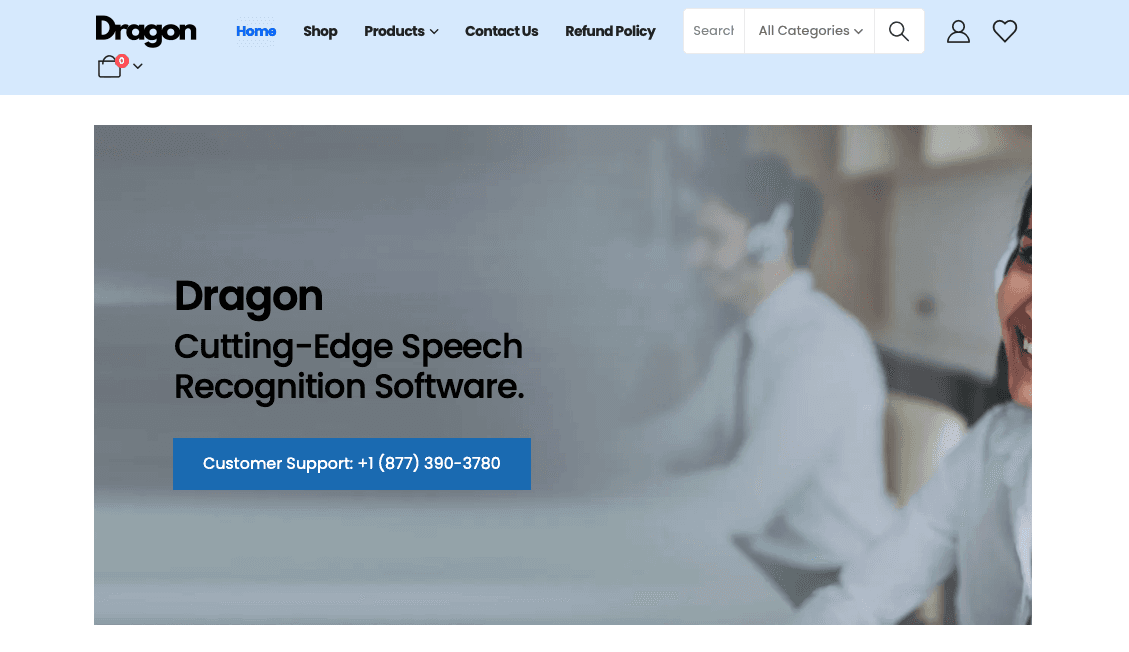
Dragon operates as a desktop speech recognition system that converts spoken words into text through profile-based learning. You install the software on your computer, create a user profile, and train the system to recognize your voice patterns and speaking style.
The software processes your speech through either cloud-based or local recognition engines, depending on which version you purchase. Dragon Professional Individual uses local processing, while Dragon Anywhere relies on cloud connectivity for mobile functionality.
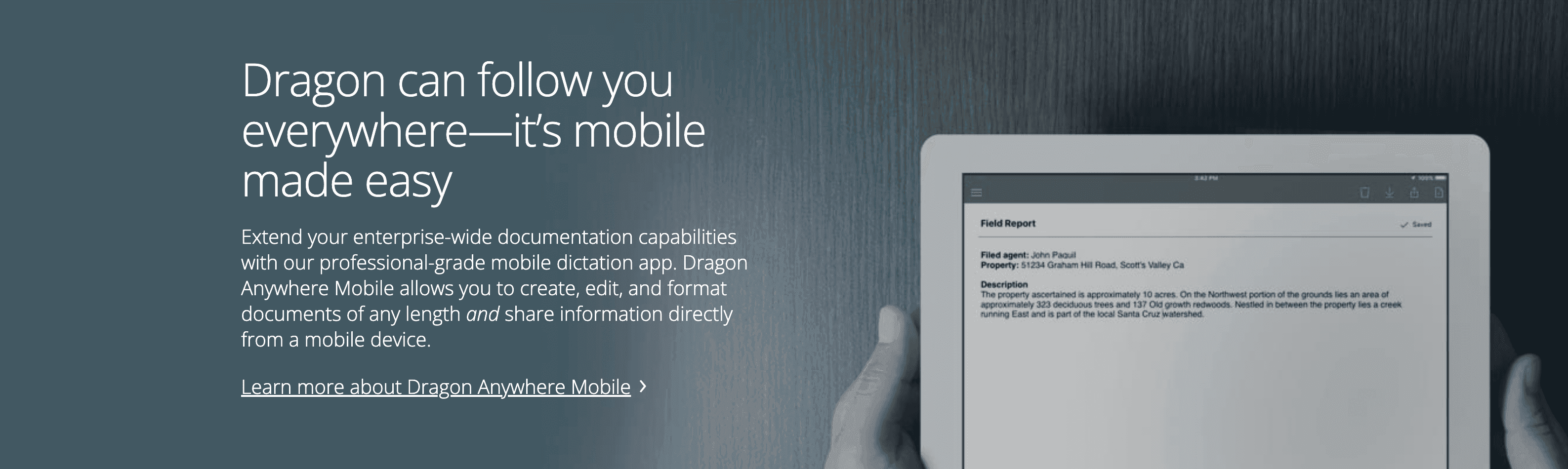
Dragon functions through compatibility modules that integrate with specific applications like Microsoft Word, Excel, and Outlook. When you speak into a compatible program, Dragon translates your words directly into the application. For unsupported software, Dragon forces you to use a dictation box where you speak your text, then transfer it manually to your target application.
The system requires specific microphone positioning and relatively quiet environments to maintain accuracy. Users typically spend several hours training Dragon to understand their pronunciation, accent, and speaking patterns before achieving reliable results.
Dragon's profile-based approach means each user must invest considerable time upfront to achieve the accuracy levels advertised in marketing materials.
According to Zapier's dictation analysis, Dragon's training requirements often surprise new users who expect immediate functionality.
Dragon Features
Dragon includes voice recognition features that work across its supported application ecosystem. The software provides custom vocabulary management where you can add specialized terminology, company names, and industry-specific language that Dragon learns to recognize and spell correctly.
Voice commands handle document formatting and navigation within compatible programs. You can say "bold that" or "new paragraph" to format text without touching your keyboard. Dragon also includes transcription functionality for pre-recorded audio files, though this feature requires the Professional version.
The system supports multiple user profiles on the same computer, allowing different family members or colleagues to maintain separate voice recognition settings. Dragon's correction features let you fix mistakes by voice, and the software learns from these corrections to improve future accuracy.
Feature | Dragon Home | Dragon Professional | Dragon Legal |
|---|---|---|---|
Price | $200 | $500 | $700 |
Custom Vocabulary | Basic | Advanced | Legal-specific |
Audio Transcription | No | Yes | Yes |
Application Support | Limited | Extended | Specialized |
Integration with Microsoft Office applications works through compatibility modules that Dragon installs alongside the main software. These modules allow direct speech input into Word documents, Excel spreadsheets, and Outlook emails without using the speech input box interface.
For users working with speech-to-text for AI tools, Dragon's compatibility limitations show up when trying to speak into web browsers or non-Microsoft applications.
Dragon Key Limitations and Gaps
Dragon's Windows-only availability immediately excludes Mac users and creates a real problem for mixed-device organizations. A team where developers work on Windows workstations, designers use Macs, and field staff rely on iPhones cannot standardize on a tool that runs on only one operating system. While Dragon Anywhere exists for mobile devices, it lacks the features and application integration that desktop users expect.
The software requires substantial upfront investment with professional versions costing several hundred dollars. This creates accessibility barriers for individual users, students, or small business owners who need reliable dictation but cannot afford the expense.
Compatibility issues plague Dragon's real-world usage. Many applications force users into the restrictive dictation box interface, where you speak your text in a separate window, then copy and paste it into your target application. This workflow breaks the smooth dictation experience that users expect.
Dragon demands extensive setup and training periods before achieving acceptable accuracy levels. New users often spend hours reading training passages and correcting mistakes before the software understands their speech patterns reliably.
The system struggles with background noise and requires specific microphone positioning for optimal performance. Users report frustration when Dragon's accuracy drops a lot in normal office environments or when using different microphones.
Independent enterprise speech-to-text tool analysis consistently flags Dragon's compatibility gaps in unsupported applications as a friction point for daily professional workflows.
Application integration frequently breaks after system updates. Users report that Dragon's compatibility modules stop functioning after Windows updates, requiring reinstallation or troubleshooting that disrupts productivity.
For professionals seeking Otter.ai alternatives or Notion speech-to-text solutions, Dragon's application-specific limitations become deal-breakers.
Best Dragon Alternatives

For users seeking more accessible and reliable dictation solutions, Willow Voice stands out as the leading alternative to Dragon. Unlike Dragon's Windows-only restriction and complex setup requirements, Willow Voice runs natively on Mac, Windows, and iOS. Press the function key on Mac or Alt+Space on Windows and text appears in any application in under 200 milliseconds - no training period, no compatibility modules, no dictation box.
While Dragon struggles with application compatibility and requires expensive licensing, Willow Voice works across all applications without compatibility modules or clipboard workarounds. On Mac, Windows, or iOS, activate it with one hotkey and your words appear in Gmail, Slack, Microsoft Teams, Outlook, Notion, Cursor, or any text field on your screen.
The dictation field includes several other alternatives:
Apple Dictation
Google Docs Voice Typing
Microsoft Word Dictation
Windows Speech Recognition
Superwhisper
WisprFlow
Willow Voice stands out through a context-aware AI engine that reads what you're working on and adjusts automatically. When you're composing a client email, it formats your speech with appropriate structure and tone. When you're prompting Cursor or Claude Code, it recognizes variable names and technical terminology without manual correction. When you're filing a Slack update, it matches the conversational register of the channel. That context-reading works the same whether you're on a Mac, a Windows workstation, or an iPhone.
Willow Voice includes several features Dragon doesn't offer. Quiet mode allows whisper-level dictation in shared office spaces or libraries. Background noise filtering keeps accuracy high in busy work environments. For teams, shared custom dictionaries let an entire organization standardize terminology - product names, client names, internal shorthand - across every member without individual configuration. Admin controls let team leads push vocabulary changes org-wide in one step. Willow Voice is SOC 2 Type II certified and HIPAA compliant, which gives IT teams a clear path to org-wide deployment without a separate security review. Recent voice AI adoption statistics show enterprise teams report strong ROI within months when moving from legacy profile-based systems to AI-native dictation tools.
For developers and AI users, Willow Voice excels at voice input for Cursor, Claude Code, Windsurf, and other AI coding tools. In those environments, codebase auto-tagging reads open files to recognize class names, function names, and variable references from the first session - no manual dictionary setup needed. Engineering teams at companies across 20% of the Fortune 500 use Willow to prompt AI coding tools faster, write PR descriptions, and capture code review comments without breaking their flow.
Users working with Google Docs voice tools will find Willow's universal compatibility eliminates the browser-specific limitations that plague other solutions.
According to TechRadar's dictation software comparison, the key differentiator among alternatives lies in ease of use and universal application support.
FAQs
What's the main difference between Dragon and modern alternatives like Willow?
Dragon requires a Windows installation, extensive setup time, and only works through compatibility modules for specific applications. Willow Voice runs on Mac, Windows, and iOS with instant activation and no training period - press the function key on Mac or Alt+Space on Windows and your words appear in any application immediately. Willow Voice also provides context-aware AI that adapts to different writing scenarios, and for teams it includes shared custom dictionaries, admin controls, and SOC 2 Type II and HIPAA compliance for org-wide deployment.
How much does Dragon cost compared to other dictation options?
Dragon pricing ranges from $200 for the Home version to $700 for Dragon Legal, while alternatives like Willow are far cheaper. The high upfront cost of Dragon creates accessibility barriers that subscription-based or free alternatives avoid.
Why do users struggle with Dragon's application compatibility?
Dragon forces users into restrictive dictation boxes for unsupported applications, requiring you to speak in a separate window then copy-paste text into your target app. This breaks the smooth workflow, especially problematic for web browsers, modern productivity tools, and development environments where universal compatibility is important.
How long does it take to set up Dragon versus other dictation tools?
Dragon requires several hours of training and profile setup before achieving reliable accuracy, including reading training passages and correcting mistakes for the system to learn your voice patterns. In contrast, solutions like Willow work instantly without training periods, and Apple Dictation requires no setup since it's built into Mac systems.
Final Thoughts on Dragon Dictation Software and Its Alternatives
Dragon's Windows-only constraint and hours-long training requirement don't fit how most professionals work today. Whether you're on a Mac, a Windows workstation, or moving between both, Willow Voice, the best dragon dictation alternative, runs natively on Mac, Windows, and iOS with the same feature set on every device. For individuals who want dictation that works from the first session, it's a direct upgrade. For teams that need shared vocabularies, admin controls, and compliance credentials that clear an enterprise security review, it's built for that too. You shouldn't have to train software for hours or route around application-specific limitations just to capture your thoughts. Download Willow Voice and try it across your normal workflow.
Dragon earned its reputation for a reason, it was one of the earliest tools to make voice-to-text work reliably in professional settings. But that was a different era. Developers prompting AI coding tools in Cursor or Claude Code, clinicians capturing patient notes, and teams coordinating across Windows desktops and Mac laptops all hit the same wall: Dragon only runs on Windows, costs $200 to $700 to get started, and requires hours of setup before reaching usable accuracy. For organizations already working across different operating systems and devices, that creates an immediate deployment problem. If you're looking for a dragon dictation alternative that works across your actual setup, there are better options available in 2026. Let's look at where Dragon falls short and which alternatives hold up in real professional workflows.
TLDR:
Dragon only works on Windows and costs $200-700, excluding Mac users entirely.
AI-native dictation tools work on Mac, Windows, and iOS at up to 150 WPM (3x faster than typing), with no training period required.
Dragon requires extensive training and struggles with unsupported applications.
Modern AI-native alternatives use context-aware AI for better accuracy than Dragon.
Free options include Apple Dictation and Google Voice Typing for basic needs.
What Is Dragon and How Does it Work?
Dragon operates as a desktop speech recognition system that converts spoken words into text through profile-based learning. You install the software on your computer, create a user profile, and train the system to recognize your voice patterns and speaking style.
The software processes your speech through either cloud-based or local recognition engines, depending on which version you purchase. Dragon Professional Individual uses local processing, while Dragon Anywhere relies on cloud connectivity for mobile functionality.
Dragon functions through compatibility modules that integrate with specific applications like Microsoft Word, Excel, and Outlook. When you speak into a compatible program, Dragon translates your words directly into the application. For unsupported software, Dragon forces you to use a dictation box where you speak your text, then transfer it manually to your target application.
The system requires specific microphone positioning and relatively quiet environments to maintain accuracy. Users typically spend several hours training Dragon to understand their pronunciation, accent, and speaking patterns before achieving reliable results.
Dragon's profile-based approach means each user must invest considerable time upfront to achieve the accuracy levels advertised in marketing materials.
According to Zapier's dictation analysis, Dragon's training requirements often surprise new users who expect immediate functionality.
Dragon Features
Dragon includes voice recognition features that work across its supported application ecosystem. The software provides custom vocabulary management where you can add specialized terminology, company names, and industry-specific language that Dragon learns to recognize and spell correctly.
Voice commands handle document formatting and navigation within compatible programs. You can say "bold that" or "new paragraph" to format text without touching your keyboard. Dragon also includes transcription functionality for pre-recorded audio files, though this feature requires the Professional version.
The system supports multiple user profiles on the same computer, allowing different family members or colleagues to maintain separate voice recognition settings. Dragon's correction features let you fix mistakes by voice, and the software learns from these corrections to improve future accuracy.
Feature | Dragon Home | Dragon Professional | Dragon Legal |
|---|---|---|---|
Price | $200 | $500 | $700 |
Custom Vocabulary | Basic | Advanced | Legal-specific |
Audio Transcription | No | Yes | Yes |
Application Support | Limited | Extended | Specialized |
Integration with Microsoft Office applications works through compatibility modules that Dragon installs alongside the main software. These modules allow direct speech input into Word documents, Excel spreadsheets, and Outlook emails without using the speech input box interface.
For users working with speech-to-text for AI tools, Dragon's compatibility limitations show up when trying to speak into web browsers or non-Microsoft applications.
Dragon Key Limitations and Gaps
Dragon's Windows-only availability immediately excludes Mac users and creates a real problem for mixed-device organizations. A team where developers work on Windows workstations, designers use Macs, and field staff rely on iPhones cannot standardize on a tool that runs on only one operating system. While Dragon Anywhere exists for mobile devices, it lacks the features and application integration that desktop users expect.
The software requires substantial upfront investment with professional versions costing several hundred dollars. This creates accessibility barriers for individual users, students, or small business owners who need reliable dictation but cannot afford the expense.
Compatibility issues plague Dragon's real-world usage. Many applications force users into the restrictive dictation box interface, where you speak your text in a separate window, then copy and paste it into your target application. This workflow breaks the smooth dictation experience that users expect.
Dragon demands extensive setup and training periods before achieving acceptable accuracy levels. New users often spend hours reading training passages and correcting mistakes before the software understands their speech patterns reliably.
The system struggles with background noise and requires specific microphone positioning for optimal performance. Users report frustration when Dragon's accuracy drops a lot in normal office environments or when using different microphones.
Independent enterprise speech-to-text tool analysis consistently flags Dragon's compatibility gaps in unsupported applications as a friction point for daily professional workflows.
Application integration frequently breaks after system updates. Users report that Dragon's compatibility modules stop functioning after Windows updates, requiring reinstallation or troubleshooting that disrupts productivity.
For professionals seeking Otter.ai alternatives or Notion speech-to-text solutions, Dragon's application-specific limitations become deal-breakers.
Best Dragon Alternatives
For users seeking more accessible and reliable dictation solutions, Willow Voice stands out as the leading alternative to Dragon. Unlike Dragon's Windows-only restriction and complex setup requirements, Willow Voice runs natively on Mac, Windows, and iOS. Press the function key on Mac or Alt+Space on Windows and text appears in any application in under 200 milliseconds - no training period, no compatibility modules, no dictation box.
While Dragon struggles with application compatibility and requires expensive licensing, Willow Voice works across all applications without compatibility modules or clipboard workarounds. On Mac, Windows, or iOS, activate it with one hotkey and your words appear in Gmail, Slack, Microsoft Teams, Outlook, Notion, Cursor, or any text field on your screen.
The dictation field includes several other alternatives:
Apple Dictation
Google Docs Voice Typing
Microsoft Word Dictation
Windows Speech Recognition
Superwhisper
WisprFlow
Willow Voice stands out through a context-aware AI engine that reads what you're working on and adjusts automatically. When you're composing a client email, it formats your speech with appropriate structure and tone. When you're prompting Cursor or Claude Code, it recognizes variable names and technical terminology without manual correction. When you're filing a Slack update, it matches the conversational register of the channel. That context-reading works the same whether you're on a Mac, a Windows workstation, or an iPhone.
Willow Voice includes several features Dragon doesn't offer. Quiet mode allows whisper-level dictation in shared office spaces or libraries. Background noise filtering keeps accuracy high in busy work environments. For teams, shared custom dictionaries let an entire organization standardize terminology - product names, client names, internal shorthand - across every member without individual configuration. Admin controls let team leads push vocabulary changes org-wide in one step. Willow Voice is SOC 2 Type II certified and HIPAA compliant, which gives IT teams a clear path to org-wide deployment without a separate security review. Recent voice AI adoption statistics show enterprise teams report strong ROI within months when moving from legacy profile-based systems to AI-native dictation tools.
For developers and AI users, Willow Voice excels at voice input for Cursor, Claude Code, Windsurf, and other AI coding tools. In those environments, codebase auto-tagging reads open files to recognize class names, function names, and variable references from the first session - no manual dictionary setup needed. Engineering teams at companies across 20% of the Fortune 500 use Willow to prompt AI coding tools faster, write PR descriptions, and capture code review comments without breaking their flow.
Users working with Google Docs voice tools will find Willow's universal compatibility eliminates the browser-specific limitations that plague other solutions.
According to TechRadar's dictation software comparison, the key differentiator among alternatives lies in ease of use and universal application support.
FAQs
What's the main difference between Dragon and modern alternatives like Willow?
Dragon requires a Windows installation, extensive setup time, and only works through compatibility modules for specific applications. Willow Voice runs on Mac, Windows, and iOS with instant activation and no training period - press the function key on Mac or Alt+Space on Windows and your words appear in any application immediately. Willow Voice also provides context-aware AI that adapts to different writing scenarios, and for teams it includes shared custom dictionaries, admin controls, and SOC 2 Type II and HIPAA compliance for org-wide deployment.
How much does Dragon cost compared to other dictation options?
Dragon pricing ranges from $200 for the Home version to $700 for Dragon Legal, while alternatives like Willow are far cheaper. The high upfront cost of Dragon creates accessibility barriers that subscription-based or free alternatives avoid.
Why do users struggle with Dragon's application compatibility?
Dragon forces users into restrictive dictation boxes for unsupported applications, requiring you to speak in a separate window then copy-paste text into your target app. This breaks the smooth workflow, especially problematic for web browsers, modern productivity tools, and development environments where universal compatibility is important.
How long does it take to set up Dragon versus other dictation tools?
Dragon requires several hours of training and profile setup before achieving reliable accuracy, including reading training passages and correcting mistakes for the system to learn your voice patterns. In contrast, solutions like Willow work instantly without training periods, and Apple Dictation requires no setup since it's built into Mac systems.
Final Thoughts on Dragon Dictation Software and Its Alternatives
Dragon's Windows-only constraint and hours-long training requirement don't fit how most professionals work today. Whether you're on a Mac, a Windows workstation, or moving between both, Willow Voice, the best dragon dictation alternative, runs natively on Mac, Windows, and iOS with the same feature set on every device. For individuals who want dictation that works from the first session, it's a direct upgrade. For teams that need shared vocabularies, admin controls, and compliance credentials that clear an enterprise security review, it's built for that too. You shouldn't have to train software for hours or route around application-specific limitations just to capture your thoughts. Download Willow Voice and try it across your normal workflow.

Try Willow for free
Instant, accurate voice dictation. No card required.
Try Willow for free
Instant, accurate voice dictation. No card required.
Other stories you’ll love
Other stories you’ll love



Your keyboard is optional now
" transform="translate(5 5)" width="9.791000051498413px"/></svg>)

The voice-first interface for modern work.
© Willow Care, Inc. 2026. All rights reserved
Your keyboard is optional now
The voice-first interface for modern work.
© Willow Care, Inc. 2026. All rights reserved
Your keyboard is optional now
The voice-first interface for modern work.
© Willow Care, Inc. 2026. All rights reserved