" transform="translate(5 2)" width="10px"/></svg>)

•
5 min read
Best Voice Recognition Software for Founders (August 2026)

•
5 min read
Best Voice Recognition Software for Founders (August 2026)
Startup founders spend hours each day typing emails, strategic docs, and team updates. This keyboard bottleneck slows down execution. Voice dictation replaces that friction with spoken input, running roughly 3x faster than typing (150 WPM vs. 40 WPM). Yet consumer-grade dictation tools often kill these gains by locking you into specific apps or requiring constant corrections. Modern AI-powered voice dictation tools fix this. They work everywhere you type, understand company-specific language, and adapt to how executives communicate across Slack, Notion, and AI tools like ChatGPT. To separate what actually saves time from what creates more work, we tested the leading options built to scale from a single desktop to a secure team deployment.
TLDR:
Voice recognition lets you speak at 150 WPM vs. typing at 40 WPM, saving hours weekly on emails and docs.
Modern AI-powered tools handle technical terms and context, unlike Apple's built-in dictation, which often struggles with accuracy for longer or technical dictation.
Most options work only in browsers or specific apps, limiting real-world founder workflows.
Certain system-wide voice dictation software works across most Mac apps with ~200ms response time and far higher accuracy than built-in tools.
Minimal setup and no voice training make adoption practical for busy executives.
The Daily Friction in Executive Communication
Startup founders frequently switch between speaking emails in Gmail, drafting strategic docs in Notion, messaging teams in Slack, or prompting AI tools like ChatGPT. Moving these tasks from typing to voice removes the mechanical friction of the keyboard.
Early dictation tools simply transcribed speech word-for-word, which required frequent manual correction due to limited context awareness. Today's AI-powered voice recognition adapts to how you communicate, learning technical terminology, removing filler words, and formatting text based on where you're typing to minimize the rework loop.
Most founders spend hours daily on written communication. Voice recognition software lets you speak at 150 words per minute instead of typing at 40, a speed gain that compounds when rolled out across an entire leadership team.
The best tools understand that an email to your board should sound different than a Slack message to your engineering team. They learn company-specific terms, recognize names of products or competitors, and maintain your personal writing style while cleaning up the natural messiness of speech.
How Voice Dictation Improves AI Prompting for Founders
Founders frequently ask how voice dictation changes prompting for AI tools like ChatGPT, Claude, and Cursor. Typing complex prompts creates friction that limits the detail and nuance of the output. Speaking at 150 words per minute lets you provide deeper context, specific constraints, and strategic direction much faster, improving the quality of the AI's response.
Tools like Willow Voice work natively inside the input fields of these AI assistants. Instead of typing out technical instructions or copying text between apps, you can speak your intent directly into the tool. Willow's context-aware engine reads the active application (like Cursor) to handle technical terms and company-specific vocabulary at 98%+ accuracy, accelerating how executives interact with AI.
How We Ranked Voice Recognition Software for Executives
We tested each option based on what matters for leaders running a company and needing to move quickly without quality tradeoffs.
Transcription accuracy ranked highest. One misspelled client name or mangled technical term in an investor email creates more work than it saves. We focused on tools that handle industry jargon, company names, and proper nouns without constant manual corrections.
Processing speed determines whether dictation feels natural or disruptive. ~200 millisecond latency lets you think and speak fluidly. Slower response times break concentration and create awkward pauses.
Universal compatibility across Gmail, Slack, Notion, Google Docs, and AI tools like ChatGPT matters because founders switch contexts constantly. Tools limited to specific apps or browsers force workarounds that eliminate productivity gains.
Setup time was a dealbreaker. We focused on solutions you can start using within minutes, not tools requiring hours of voice training or configuration.
Privacy and compliance factored in because executives speak sensitive information about revenue, strategy, and personnel decisions. We assessed how each tool handles data, favoring solutions with SOC 2 Type II certification, zero data retention, and enterprise-grade administration controls.
Quick Glance at Voice Recognition Comparison
Software | Primary Use Case | Compatibility | Custom Vocabulary |
|---|---|---|---|
Willow Voice | Founders, Execs, AI Prompting | Mac, Windows & iOS (Any App) | Yes |
Otter.ai | Meeting Transcriptions | Zoom, Google Meet, Teams | Yes |
Dragon Professional | Windows Enterprise | Windows Only | Yes |
superwhisper | Privacy-focused Users | Mac, Windows, iOS (Local) | Yes |
Google Docs Voice Typing | Free Document Dictation | Google Docs Web App | No |
Apple Dictation | Quick Casual Input | Mac & iOS Native | No |
Voice In | Browser-based Workflows | Chrome Extension Only | Yes (Pro) |
Willow Voice
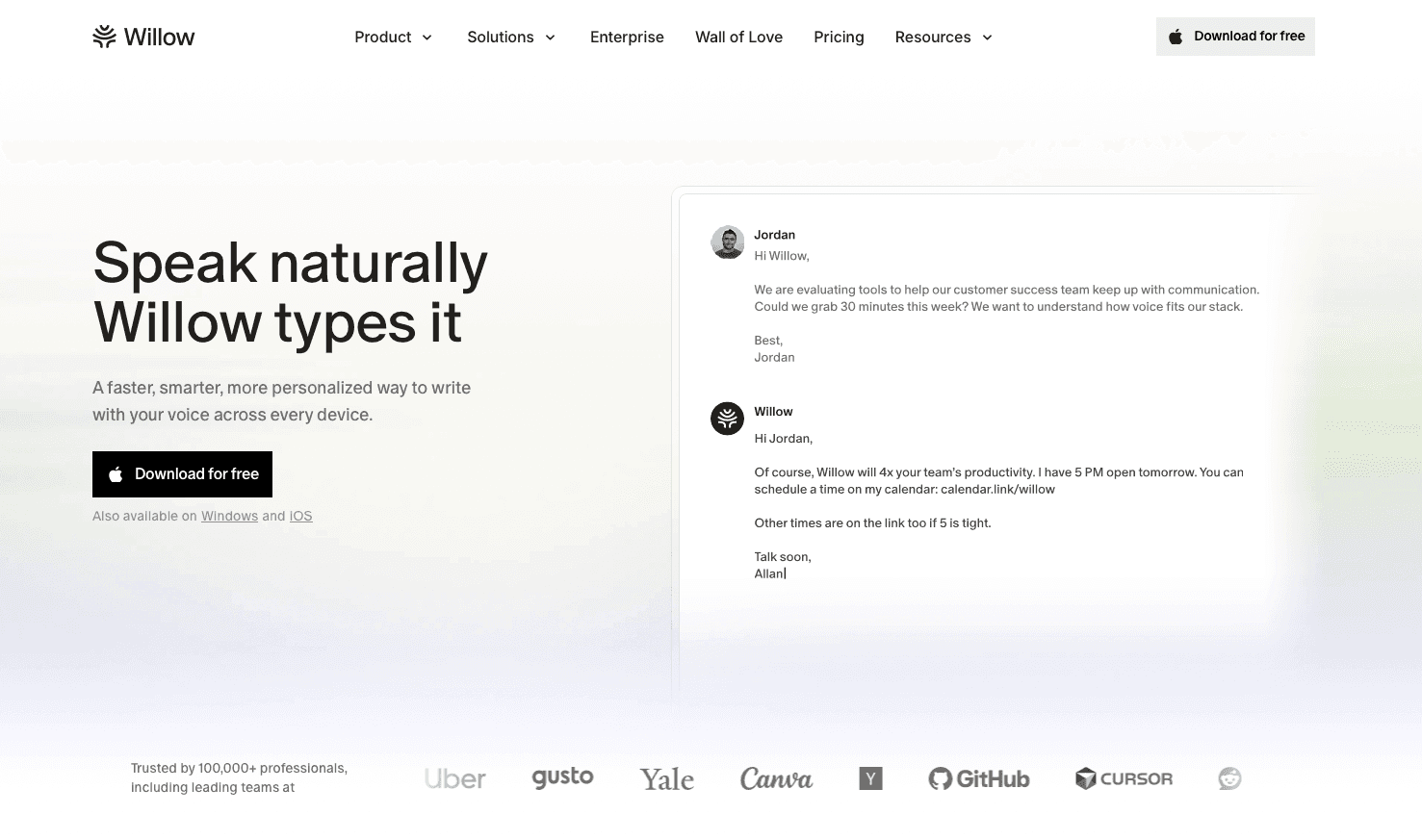
Startup founders and executives operate across a fragmented communication ecosystem, shifting constantly between investor updates in Gmail, strategy documents in Notion, quick team alignments in Slack, and technical ideation in AI tools like Cursor or ChatGPT. This relentless context-switching creates a strict requirement for a dictation layer that follows the executive everywhere, understands their company-specific jargon without manual correction loops, and protects sensitive strategic data.
As founders move between devices, their custom dictionary syncs automatically, guaranteeing that niche industry terms, competitor names, and project codenames are spelled correctly with 98%+ accuracy everywhere they used to type. When founders draft a complex prompt in Cursor or Devin Desktop, 150 WPM voice input replaces the bottleneck of typing out technical instructions, accelerating how executives interact with AI.
Because executive communication involves highly sensitive financial and personnel data, the infrastructure runs with SOC 2 Type II and HIPAA compliance, using a zero-data-retention architecture. This exact working profile scales from a single desktop to an organization-wide rollout. Instead of isolating enterprise readiness as an add-on, Willow embeds centralized admin controls so leadership can deploy shared custom dictionaries and voice shortcuts. This allows the entire organization to spell client names and niche terminology correctly from day one.
Most founders using Willow Voice replace nearly all their typing, saving hours each week on email, documents, and AI prompting workflows. For professionals, the Pro plan delivers faster, more accurate dictation plus unlimited Willow Scribe for $12 per month (billed annually). Other plans support team rollouts and enterprise deployments, alongside a Free plan that provides unlimited free dictation.
Otter.ai
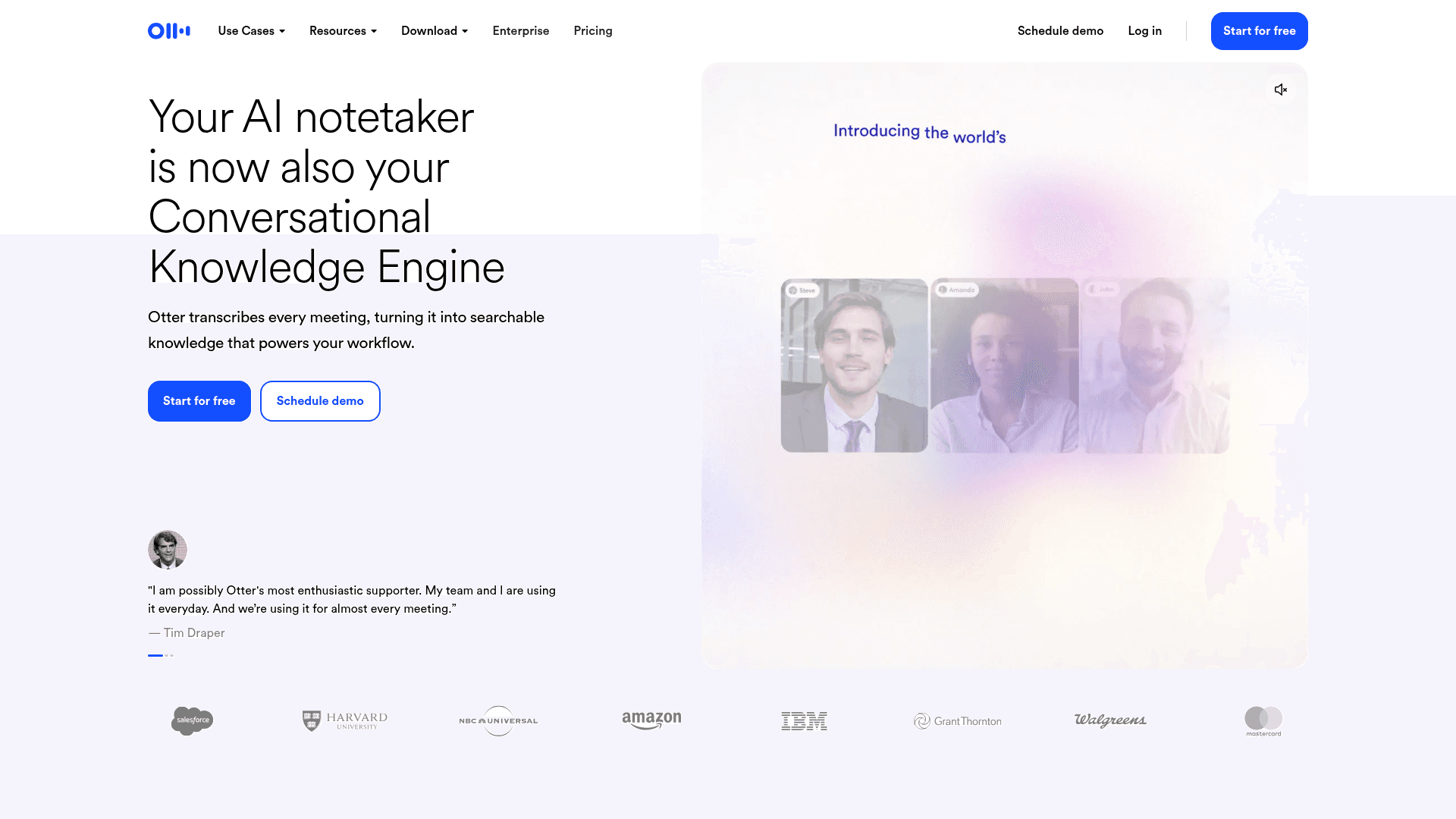
Otter.ai records and transcribes video meetings with automated summaries and action items. It captures what happened on calls, not real-time dictation across your workflow.
What They Offer
Automatic meeting transcription connects to Zoom, Google Meet, and Microsoft Teams to record conversations. AI-generated summaries pull out key points and action items after calls end. Speaker identification tags who said what, creating searchable transcripts you can share with teammates who missed the meeting. Paid plans also support custom vocabulary to improve transcription accuracy for proper names and industry jargon.
Good for: Recording scheduled video meetings where you need shareable notes and summaries for team members who couldn't attend.
Limitations: Otter.ai handles meeting transcription, not universal voice dictation. You cannot use it to speak emails in Gmail, compose Slack messages, write documents in Notion, or craft prompts in ChatGPT.
Dragon Professional

Dragon Professional is speech recognition software from Nuance, primarily focused on enterprise and specialized verticals. Originally developed for Windows PCs, it offers professional-grade accuracy in controlled environments like legal and healthcare settings.
What They Offer
Custom vocabulary management handles specialized terminology and company names. Voice commands format documents within compatible applications. Profile-based voice training adapts to individual speech patterns. Professional accuracy can be very high after extensive training.
Good for: Windows users in healthcare or legal professions who work primarily within Microsoft Office.
Limitations: Dragon Professional runs exclusively on Windows, excluding Mac users entirely. It requires 20-30 minutes of setup, 1-2 weeks of corrections, and retraining when switching hardware. Unsupported applications require a dictation box where you speak, then manually copy text to your target app. This workflow breaks down when switching between Gmail, Slack, Notion, and ChatGPT throughout the day.
superwhisper
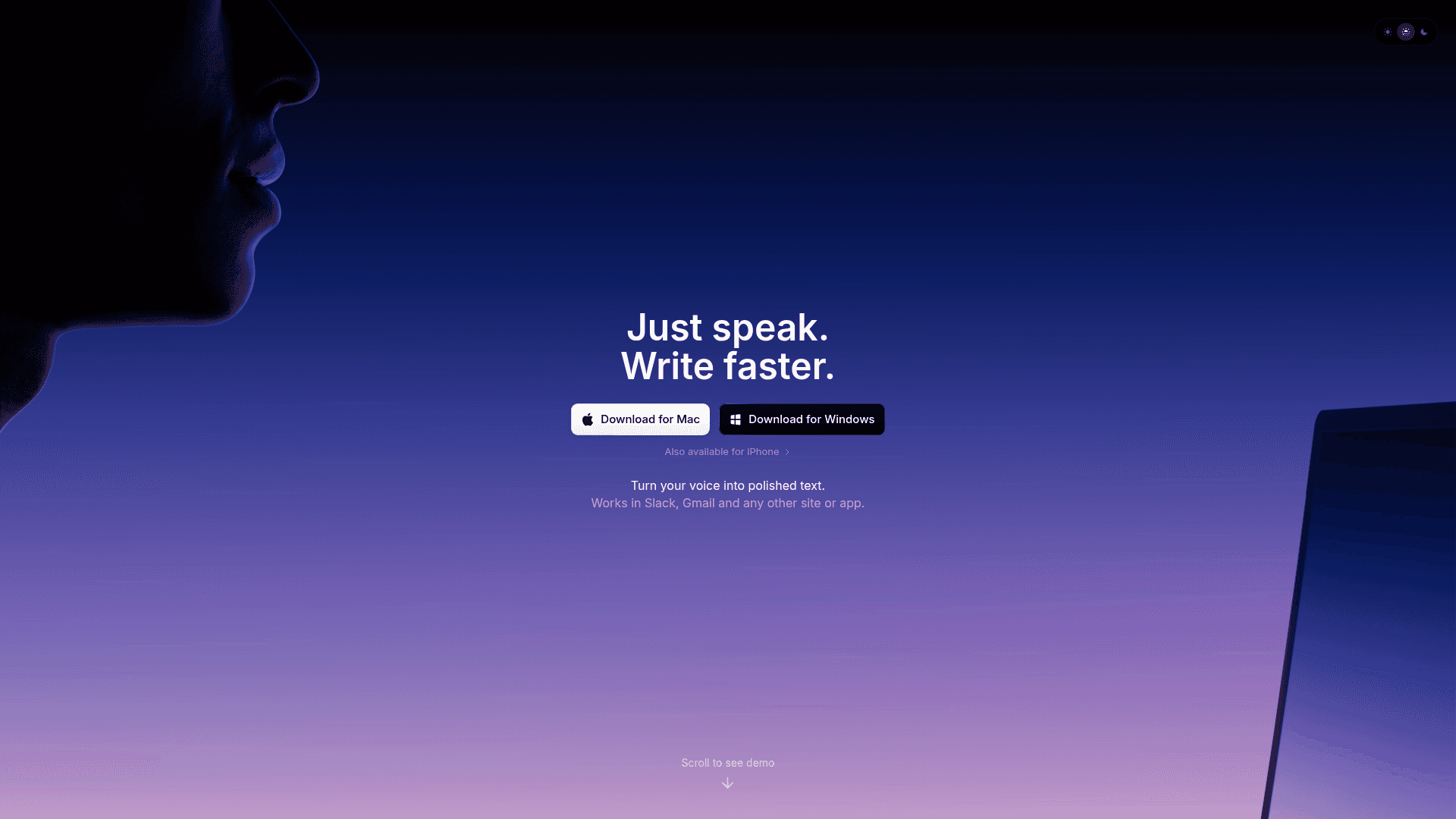
superwhisper is a voice dictation app for Mac, Windows, and iOS that processes all transcription locally on your device instead of through cloud servers.
What They Offer
Local speech processing keeps audio data on your Mac without sending it to external servers. This creates faster response times and removes internet dependency for basic transcription.
Good for: Privacy-focused users working with sensitive information who need basic dictation without external data transmission.
Limitations: superwhisper offers strong local processing with no cloud dependency. However, it often requires additional configuration to reach optimal performance. Users report considerable time spent tweaking settings and training the system.
Google Docs Voice Typing
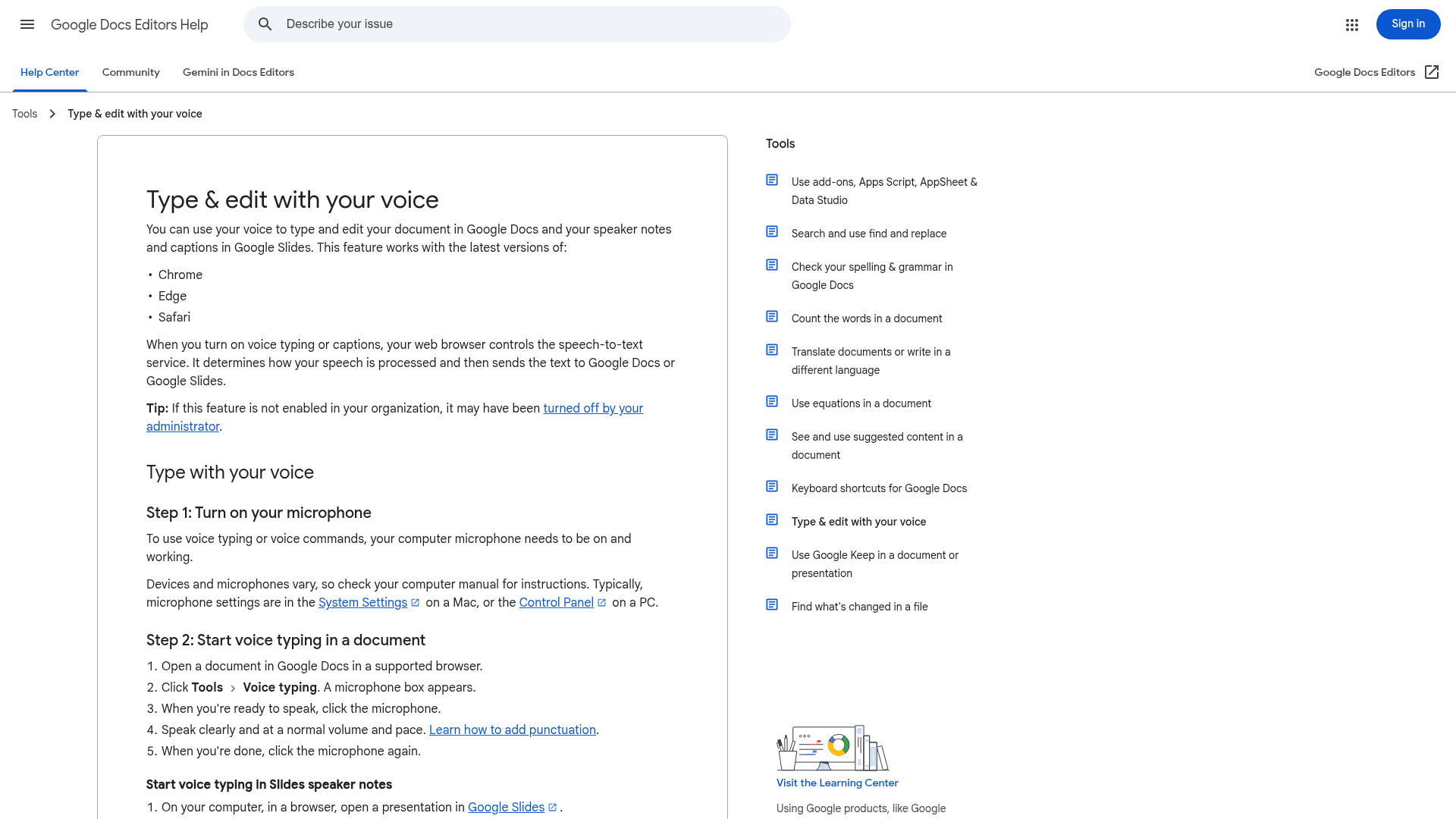
Google Docs Voice Typing is a free speech-to-text feature built into the Google Docs editor. Voice commands handle formatting and punctuation, and the tool supports many languages at zero cost.
What They Offer
Basic dictation creates and edits documents with voice commands for formatting. The feature requires no setup or additional software installation.
Good for: Occasional document dictation when already working in Google Docs and needing a free option for simple transcription tasks.
Limitations: Google Docs Voice Typing only works inside the Google Docs web application. You cannot use it for Gmail, Slack, Notion, iMessage, ChatGPT, Cursor, or any other application. Its browser-only architecture means a separate voice input method is needed when working outside the browser.
Apple Dictation
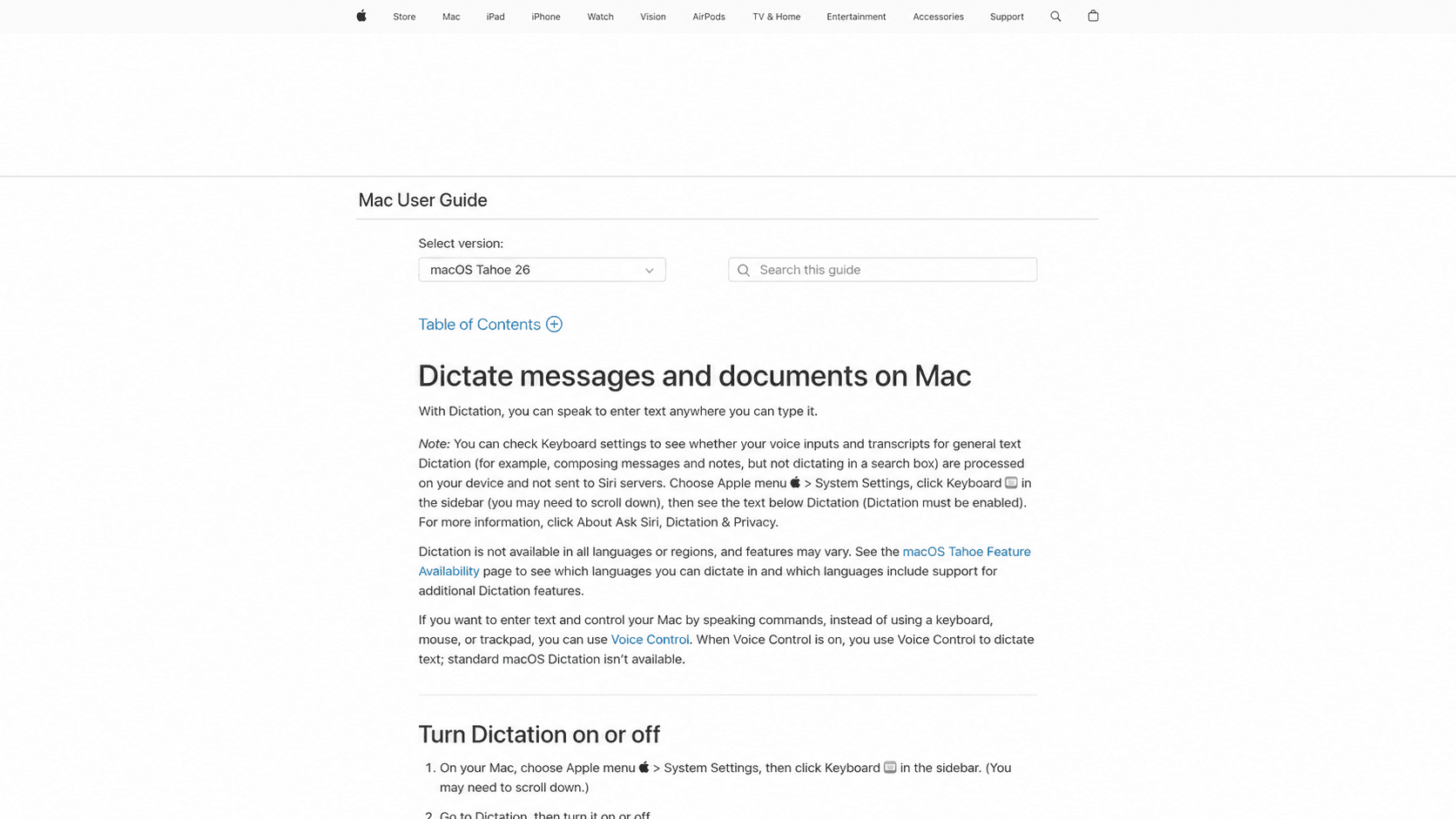
Apple Dictation is the system-wide voice input feature built into every Mac and iOS device at no additional cost.
What They Offer
Native integration across all Mac and iOS applications with keyboard shortcut activation wherever you're typing.
Good for: Quick, occasional voice input when you need to speak a sentence or two without requiring high accuracy or advanced features.
Limitations: Apple’s built-in dictation often struggles with accuracy for longer or technical dictation. It offers no custom vocabulary support, frequently struggles with specific names and technical terminology, and has limited smart formatting capabilities. Founders who speak longer emails or detailed documents can run into practical limits that interrupt longer sessions, while reduced accuracy creates more correction work than typing from scratch.
Voice In
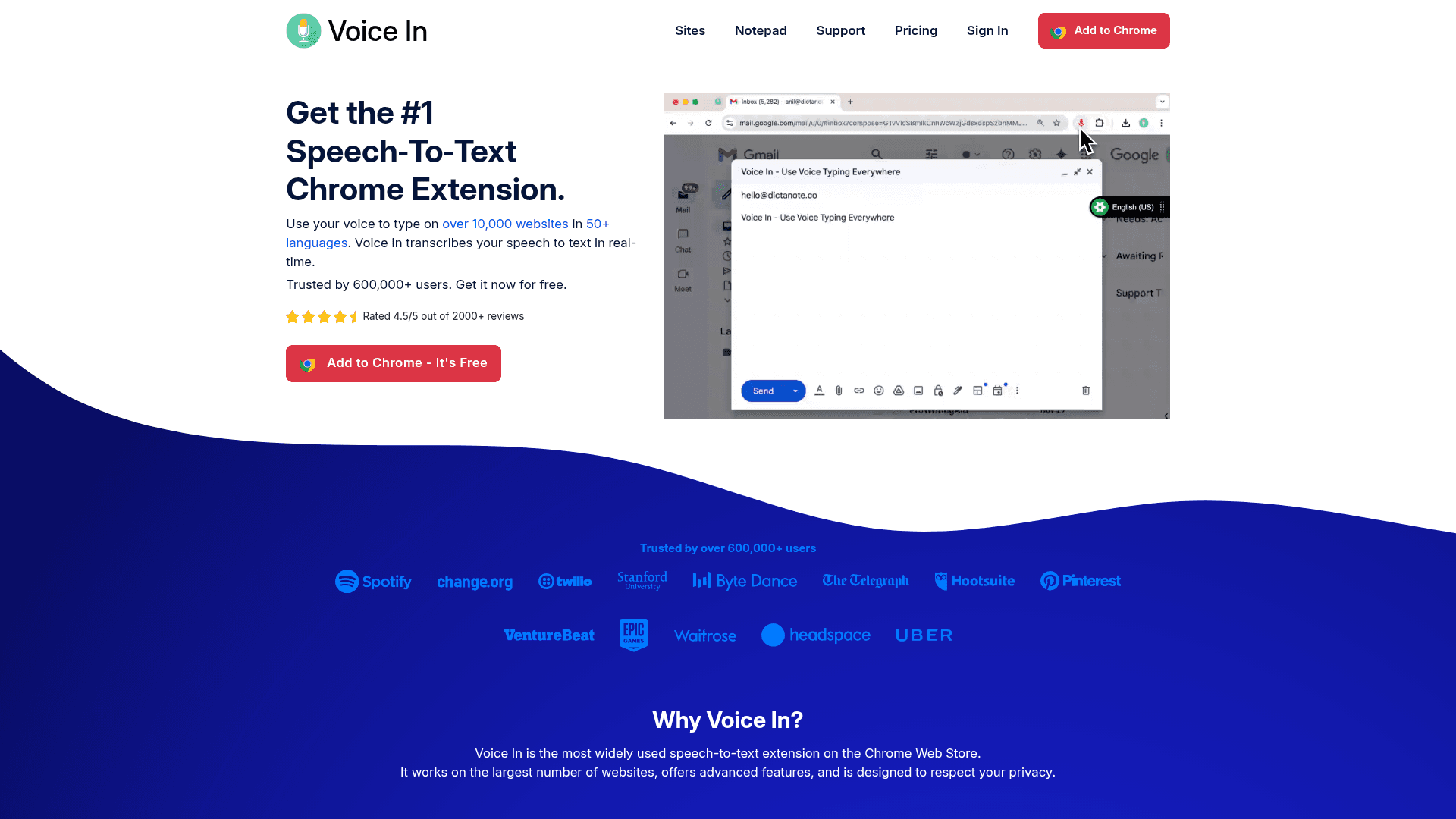
Voice In is a Chrome extension that adds voice input to websites from browser tabs instead of system-wide.
What They Offer
Browser-based dictation across most websites with support for 50+ languages and automatic punctuation. Custom voice commands handle text editing and automation. A free tier provides basic functionality, with premium features through paid subscriptions.
Good for: Users who work primarily in web browsers and need voice input for web forms and text fields without installing desktop software.
Limitations: Voice In only functions within Chrome browser tabs. The moment you switch to native Mac applications like Mail, Messages, Slack desktop, Notion desktop, or iMessage, voice dictation stops working. Founders who constantly move between browser windows and desktop apps face gaps where Voice In becomes unavailable.
How Voice Dictation Fits the Executive Workflow
The global voice and speech recognition market is expected to reach $31.7 billion in 2026, as executives increasingly seek communication shortcuts that actually work. Voice dictation delivers major AI-driven productivity gains most people overlook. While general articles point to the speed of speaking over typing, our own Mac and Windows app comparisons show Willow offers zero learning curve, the ability to work anywhere you type, and accuracy that removes correction time.
Willow works everywhere you communicate on Mac, Windows, and iPhone, unlike Dragon Professional (Windows-only with extensive setup) or Voice In (Chrome-limited). Switch between investor emails, team messages, and AI prompting without changing tools.
FAQs
Which voice recognition software works best for founders who switch between multiple apps all day?
Willow Voice works natively across all applications on both Mac and Windows, alongside a dedicated iOS keyboard for iPhone. superwhisper works across Mac, Windows, and iOS, while Voice In only functions in Chrome browser tabs, and Google Docs Voice Typing stays locked to Google Docs. Dragon Professional requires Windows and works best within specific supported applications.
Can voice recognition software handle technical terms and company-specific jargon?
Yes. While built-in options like Apple Dictation and Google Docs Voice Typing lack this capability and frequently misspell specialized terminology, professional tools support custom dictionaries. Willow Voice handles this automatically with an Auto-Dictionary that learns from your corrections and syncs your custom jargon across Mac, Windows, and iOS. Other tools like Dragon Professional, superwhisper, and Voice In also offer manual custom vocabulary features to keep industry terms spelled correctly.
What's the difference between meeting transcription tools and real-time dictation software?
Meeting transcription tools like Otter.ai record and summarize video calls after they happen, creating shareable notes. Real-time dictation software operates actively while you work. For example, Willow Voice converts your speech to text instantly as you compose emails, Slack messages, Notion documents, and AI prompts across any application without needing a separate transcription step.
Can I build a secure org-wide voice dictation setup without individual configuration for each team member?
Yes. Willow Voice's Team plan ($10/user/month billed annually) includes shared custom dictionaries, admin controls, and team leaderboards, meaning shared vocabulary, client names, and internal terminology deploy once across the whole group without per-user setup. The zero-data-retention architecture and SOC 2 Type II certification apply across all plan tiers, so compliance does not require an enterprise negotiation before you can roll out.
How does Willow Voice compare to superwhisper for a founder who speaks investor emails and AI prompts into text daily?
Both work across Mac, Windows, and iOS, and both now hold SOC 2 Type II and HIPAA certifications. The practical difference is context awareness and team scale: Willow's context-aware engine reads the active application to handle technical terms and company-specific vocabulary at 98%+ accuracy with roughly 200ms latency, and its Scribe mode generates complete emails from a voice prompt instead of transcribing word-for-word. superwhisper's local processing is strong for privacy-focused individual use, but users report meaningful configuration time to reach consistent performance, and it lacks shared custom dictionaries or admin controls for team deployment.
How do I get started with voice dictation for email and AI prompting on Windows?
Download Willow Voice, set your activation hotkey (Alt+Space on Windows by default, reassignable to any combination you prefer), and speak directly into Gmail, Slack, Notion, Cursor, or any other text field (no per-app plugins required). The Auto-Dictionary learns your vocabulary from corrections automatically, so client names, product terms, and technical jargon improve in accuracy over time without manual dictionary entry.
Final thoughts on voice dictation for executives
Voice recognition software for executives reaches a tipping point quickly: it feels unfamiliar for a day, then becomes the fastest way you communicate. When you speak at roughly 150 words per minute instead of typing at 40, the time savings compound across investor emails, internal Slack threads, documents, and AI prompts. As written communication continues to grow instead of shrink, the advantage goes to leaders who adopt tools that fit their real workflow and can deploy that same speed securely across their entire team. To see the impact on your own workflow, download Willow Voice and give it a week across your daily tools.
Startup founders spend hours each day typing emails, strategic docs, and team updates. This keyboard bottleneck slows down execution. Voice dictation replaces that friction with spoken input, running roughly 3x faster than typing (150 WPM vs. 40 WPM). Yet consumer-grade dictation tools often kill these gains by locking you into specific apps or requiring constant corrections. Modern AI-powered voice dictation tools fix this. They work everywhere you type, understand company-specific language, and adapt to how executives communicate across Slack, Notion, and AI tools like ChatGPT. To separate what actually saves time from what creates more work, we tested the leading options built to scale from a single desktop to a secure team deployment.
TLDR:
Voice recognition lets you speak at 150 WPM vs. typing at 40 WPM, saving hours weekly on emails and docs.
Modern AI-powered tools handle technical terms and context, unlike Apple's built-in dictation, which often struggles with accuracy for longer or technical dictation.
Most options work only in browsers or specific apps, limiting real-world founder workflows.
Certain system-wide voice dictation software works across most Mac apps with ~200ms response time and far higher accuracy than built-in tools.
Minimal setup and no voice training make adoption practical for busy executives.
The Daily Friction in Executive Communication
Startup founders frequently switch between speaking emails in Gmail, drafting strategic docs in Notion, messaging teams in Slack, or prompting AI tools like ChatGPT. Moving these tasks from typing to voice removes the mechanical friction of the keyboard.
Early dictation tools simply transcribed speech word-for-word, which required frequent manual correction due to limited context awareness. Today's AI-powered voice recognition adapts to how you communicate, learning technical terminology, removing filler words, and formatting text based on where you're typing to minimize the rework loop.
Most founders spend hours daily on written communication. Voice recognition software lets you speak at 150 words per minute instead of typing at 40, a speed gain that compounds when rolled out across an entire leadership team.
The best tools understand that an email to your board should sound different than a Slack message to your engineering team. They learn company-specific terms, recognize names of products or competitors, and maintain your personal writing style while cleaning up the natural messiness of speech.
How Voice Dictation Improves AI Prompting for Founders
Founders frequently ask how voice dictation changes prompting for AI tools like ChatGPT, Claude, and Cursor. Typing complex prompts creates friction that limits the detail and nuance of the output. Speaking at 150 words per minute lets you provide deeper context, specific constraints, and strategic direction much faster, improving the quality of the AI's response.
Tools like Willow Voice work natively inside the input fields of these AI assistants. Instead of typing out technical instructions or copying text between apps, you can speak your intent directly into the tool. Willow's context-aware engine reads the active application (like Cursor) to handle technical terms and company-specific vocabulary at 98%+ accuracy, accelerating how executives interact with AI.
How We Ranked Voice Recognition Software for Executives
We tested each option based on what matters for leaders running a company and needing to move quickly without quality tradeoffs.
Transcription accuracy ranked highest. One misspelled client name or mangled technical term in an investor email creates more work than it saves. We focused on tools that handle industry jargon, company names, and proper nouns without constant manual corrections.
Processing speed determines whether dictation feels natural or disruptive. ~200 millisecond latency lets you think and speak fluidly. Slower response times break concentration and create awkward pauses.
Universal compatibility across Gmail, Slack, Notion, Google Docs, and AI tools like ChatGPT matters because founders switch contexts constantly. Tools limited to specific apps or browsers force workarounds that eliminate productivity gains.
Setup time was a dealbreaker. We focused on solutions you can start using within minutes, not tools requiring hours of voice training or configuration.
Privacy and compliance factored in because executives speak sensitive information about revenue, strategy, and personnel decisions. We assessed how each tool handles data, favoring solutions with SOC 2 Type II certification, zero data retention, and enterprise-grade administration controls.
Quick Glance at Voice Recognition Comparison
Software | Primary Use Case | Compatibility | Custom Vocabulary |
|---|---|---|---|
Willow Voice | Founders, Execs, AI Prompting | Mac, Windows & iOS (Any App) | Yes |
Otter.ai | Meeting Transcriptions | Zoom, Google Meet, Teams | Yes |
Dragon Professional | Windows Enterprise | Windows Only | Yes |
superwhisper | Privacy-focused Users | Mac, Windows, iOS (Local) | Yes |
Google Docs Voice Typing | Free Document Dictation | Google Docs Web App | No |
Apple Dictation | Quick Casual Input | Mac & iOS Native | No |
Voice In | Browser-based Workflows | Chrome Extension Only | Yes (Pro) |
Willow Voice
Startup founders and executives operate across a fragmented communication ecosystem, shifting constantly between investor updates in Gmail, strategy documents in Notion, quick team alignments in Slack, and technical ideation in AI tools like Cursor or ChatGPT. This relentless context-switching creates a strict requirement for a dictation layer that follows the executive everywhere, understands their company-specific jargon without manual correction loops, and protects sensitive strategic data.
As founders move between devices, their custom dictionary syncs automatically, guaranteeing that niche industry terms, competitor names, and project codenames are spelled correctly with 98%+ accuracy everywhere they used to type. When founders draft a complex prompt in Cursor or Devin Desktop, 150 WPM voice input replaces the bottleneck of typing out technical instructions, accelerating how executives interact with AI.
Because executive communication involves highly sensitive financial and personnel data, the infrastructure runs with SOC 2 Type II and HIPAA compliance, using a zero-data-retention architecture. This exact working profile scales from a single desktop to an organization-wide rollout. Instead of isolating enterprise readiness as an add-on, Willow embeds centralized admin controls so leadership can deploy shared custom dictionaries and voice shortcuts. This allows the entire organization to spell client names and niche terminology correctly from day one.
Most founders using Willow Voice replace nearly all their typing, saving hours each week on email, documents, and AI prompting workflows. For professionals, the Pro plan delivers faster, more accurate dictation plus unlimited Willow Scribe for $12 per month (billed annually). Other plans support team rollouts and enterprise deployments, alongside a Free plan that provides unlimited free dictation.
Otter.ai
Otter.ai records and transcribes video meetings with automated summaries and action items. It captures what happened on calls, not real-time dictation across your workflow.
What They Offer
Automatic meeting transcription connects to Zoom, Google Meet, and Microsoft Teams to record conversations. AI-generated summaries pull out key points and action items after calls end. Speaker identification tags who said what, creating searchable transcripts you can share with teammates who missed the meeting. Paid plans also support custom vocabulary to improve transcription accuracy for proper names and industry jargon.
Good for: Recording scheduled video meetings where you need shareable notes and summaries for team members who couldn't attend.
Limitations: Otter.ai handles meeting transcription, not universal voice dictation. You cannot use it to speak emails in Gmail, compose Slack messages, write documents in Notion, or craft prompts in ChatGPT.
Dragon Professional
Dragon Professional is speech recognition software from Nuance, primarily focused on enterprise and specialized verticals. Originally developed for Windows PCs, it offers professional-grade accuracy in controlled environments like legal and healthcare settings.
What They Offer
Custom vocabulary management handles specialized terminology and company names. Voice commands format documents within compatible applications. Profile-based voice training adapts to individual speech patterns. Professional accuracy can be very high after extensive training.
Good for: Windows users in healthcare or legal professions who work primarily within Microsoft Office.
Limitations: Dragon Professional runs exclusively on Windows, excluding Mac users entirely. It requires 20-30 minutes of setup, 1-2 weeks of corrections, and retraining when switching hardware. Unsupported applications require a dictation box where you speak, then manually copy text to your target app. This workflow breaks down when switching between Gmail, Slack, Notion, and ChatGPT throughout the day.
superwhisper
superwhisper is a voice dictation app for Mac, Windows, and iOS that processes all transcription locally on your device instead of through cloud servers.
What They Offer
Local speech processing keeps audio data on your Mac without sending it to external servers. This creates faster response times and removes internet dependency for basic transcription.
Good for: Privacy-focused users working with sensitive information who need basic dictation without external data transmission.
Limitations: superwhisper offers strong local processing with no cloud dependency. However, it often requires additional configuration to reach optimal performance. Users report considerable time spent tweaking settings and training the system.
Google Docs Voice Typing
Google Docs Voice Typing is a free speech-to-text feature built into the Google Docs editor. Voice commands handle formatting and punctuation, and the tool supports many languages at zero cost.
What They Offer
Basic dictation creates and edits documents with voice commands for formatting. The feature requires no setup or additional software installation.
Good for: Occasional document dictation when already working in Google Docs and needing a free option for simple transcription tasks.
Limitations: Google Docs Voice Typing only works inside the Google Docs web application. You cannot use it for Gmail, Slack, Notion, iMessage, ChatGPT, Cursor, or any other application. Its browser-only architecture means a separate voice input method is needed when working outside the browser.
Apple Dictation
Apple Dictation is the system-wide voice input feature built into every Mac and iOS device at no additional cost.
What They Offer
Native integration across all Mac and iOS applications with keyboard shortcut activation wherever you're typing.
Good for: Quick, occasional voice input when you need to speak a sentence or two without requiring high accuracy or advanced features.
Limitations: Apple’s built-in dictation often struggles with accuracy for longer or technical dictation. It offers no custom vocabulary support, frequently struggles with specific names and technical terminology, and has limited smart formatting capabilities. Founders who speak longer emails or detailed documents can run into practical limits that interrupt longer sessions, while reduced accuracy creates more correction work than typing from scratch.
Voice In
Voice In is a Chrome extension that adds voice input to websites from browser tabs instead of system-wide.
What They Offer
Browser-based dictation across most websites with support for 50+ languages and automatic punctuation. Custom voice commands handle text editing and automation. A free tier provides basic functionality, with premium features through paid subscriptions.
Good for: Users who work primarily in web browsers and need voice input for web forms and text fields without installing desktop software.
Limitations: Voice In only functions within Chrome browser tabs. The moment you switch to native Mac applications like Mail, Messages, Slack desktop, Notion desktop, or iMessage, voice dictation stops working. Founders who constantly move between browser windows and desktop apps face gaps where Voice In becomes unavailable.
How Voice Dictation Fits the Executive Workflow
The global voice and speech recognition market is expected to reach $31.7 billion in 2026, as executives increasingly seek communication shortcuts that actually work. Voice dictation delivers major AI-driven productivity gains most people overlook. While general articles point to the speed of speaking over typing, our own Mac and Windows app comparisons show Willow offers zero learning curve, the ability to work anywhere you type, and accuracy that removes correction time.
Willow works everywhere you communicate on Mac, Windows, and iPhone, unlike Dragon Professional (Windows-only with extensive setup) or Voice In (Chrome-limited). Switch between investor emails, team messages, and AI prompting without changing tools.
FAQs
Which voice recognition software works best for founders who switch between multiple apps all day?
Willow Voice works natively across all applications on both Mac and Windows, alongside a dedicated iOS keyboard for iPhone. superwhisper works across Mac, Windows, and iOS, while Voice In only functions in Chrome browser tabs, and Google Docs Voice Typing stays locked to Google Docs. Dragon Professional requires Windows and works best within specific supported applications.
Can voice recognition software handle technical terms and company-specific jargon?
Yes. While built-in options like Apple Dictation and Google Docs Voice Typing lack this capability and frequently misspell specialized terminology, professional tools support custom dictionaries. Willow Voice handles this automatically with an Auto-Dictionary that learns from your corrections and syncs your custom jargon across Mac, Windows, and iOS. Other tools like Dragon Professional, superwhisper, and Voice In also offer manual custom vocabulary features to keep industry terms spelled correctly.
What's the difference between meeting transcription tools and real-time dictation software?
Meeting transcription tools like Otter.ai record and summarize video calls after they happen, creating shareable notes. Real-time dictation software operates actively while you work. For example, Willow Voice converts your speech to text instantly as you compose emails, Slack messages, Notion documents, and AI prompts across any application without needing a separate transcription step.
Can I build a secure org-wide voice dictation setup without individual configuration for each team member?
Yes. Willow Voice's Team plan ($10/user/month billed annually) includes shared custom dictionaries, admin controls, and team leaderboards, meaning shared vocabulary, client names, and internal terminology deploy once across the whole group without per-user setup. The zero-data-retention architecture and SOC 2 Type II certification apply across all plan tiers, so compliance does not require an enterprise negotiation before you can roll out.
How does Willow Voice compare to superwhisper for a founder who speaks investor emails and AI prompts into text daily?
Both work across Mac, Windows, and iOS, and both now hold SOC 2 Type II and HIPAA certifications. The practical difference is context awareness and team scale: Willow's context-aware engine reads the active application to handle technical terms and company-specific vocabulary at 98%+ accuracy with roughly 200ms latency, and its Scribe mode generates complete emails from a voice prompt instead of transcribing word-for-word. superwhisper's local processing is strong for privacy-focused individual use, but users report meaningful configuration time to reach consistent performance, and it lacks shared custom dictionaries or admin controls for team deployment.
How do I get started with voice dictation for email and AI prompting on Windows?
Download Willow Voice, set your activation hotkey (Alt+Space on Windows by default, reassignable to any combination you prefer), and speak directly into Gmail, Slack, Notion, Cursor, or any other text field (no per-app plugins required). The Auto-Dictionary learns your vocabulary from corrections automatically, so client names, product terms, and technical jargon improve in accuracy over time without manual dictionary entry.
Final thoughts on voice dictation for executives
Voice recognition software for executives reaches a tipping point quickly: it feels unfamiliar for a day, then becomes the fastest way you communicate. When you speak at roughly 150 words per minute instead of typing at 40, the time savings compound across investor emails, internal Slack threads, documents, and AI prompts. As written communication continues to grow instead of shrink, the advantage goes to leaders who adopt tools that fit their real workflow and can deploy that same speed securely across their entire team. To see the impact on your own workflow, download Willow Voice and give it a week across your daily tools.

Try Willow for free
Instant, accurate voice dictation. No card required.
Try Willow for free
Instant, accurate voice dictation. No card required.
Other stories you’ll love
Other stories you’ll love



Your keyboard is optional now
" transform="translate(5 5)" width="9.791000051498413px"/></svg>)

The voice-first interface for modern work.
© Willow Care, Inc. 2026. All rights reserved
Your keyboard is optional now
The voice-first interface for modern work.
© Willow Care, Inc. 2026. All rights reserved
Your keyboard is optional now
The voice-first interface for modern work.
© Willow Care, Inc. 2026. All rights reserved